
Ask to Buy
How Ask to Buy works
With Ask to Buy, when kids want to make an eligible purchase or download — such as downloading an app from the App Store, buying an in-app purchase, buying a TV show from Apple TV, or redownloading a shared app — they send a request to their parent or guardian. The parent or guardian can use their own device to approve or decline the request. For example, if a child wants to download an app, the parent or guardian can view information about the app and decide whether to allow it.
If the parent or guardian approves the request, the item automatically downloads to the child's device. If the parent or guardian declines the request, no purchase or download will take place. If a child redownloads their own purchase, installs an update, or uses a redemption code, the parent or guardian won’t receive a request.
How to turn on or turn off Ask to Buy
If you're the family organizer, use your own device to turn on or turn off Ask to Buy.
On your iPhone or iPad
Open the Settings app.
Tap Family.
Tap your family member's name, then tap Ask to Buy.
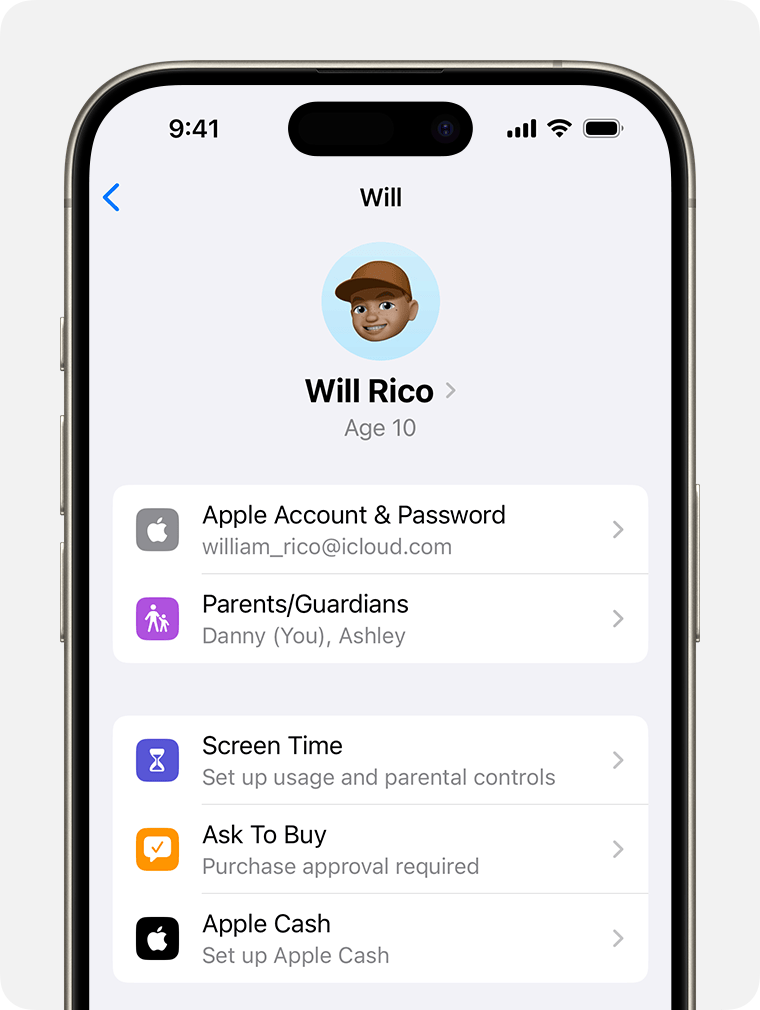
Turn on or off Require Purchase Approval.
How to approve or decline a request
If you're the parent or guardian, use your iPhone, iPad, Apple Watch, or Mac to approve or decline a request.
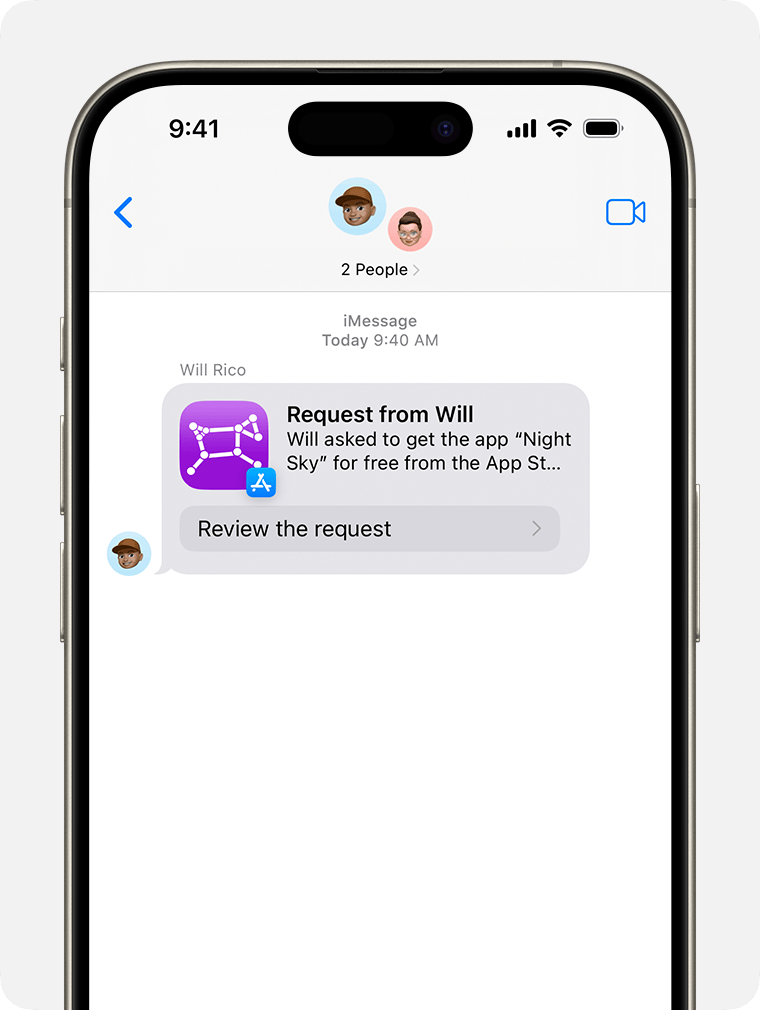
Open the message to see the item that your family member wants to get. Can't find your Ask to Buy notifications?
Approve or decline the purchase.
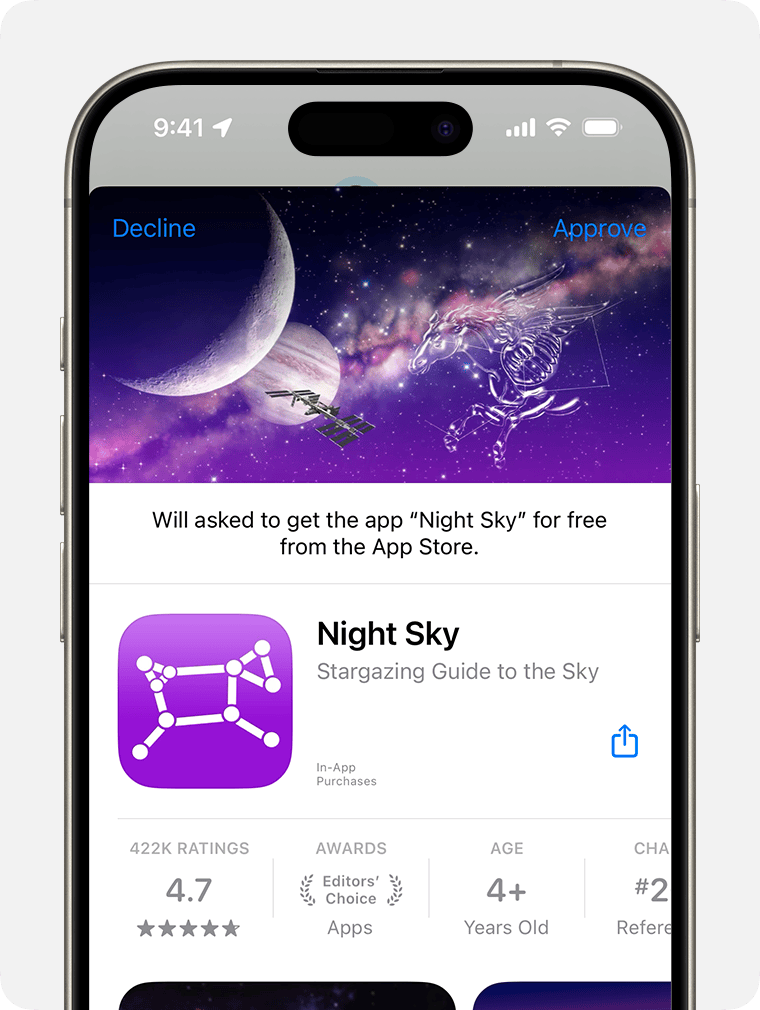
If you approve, sign in to your Apple Account to make the purchase.
What happens next
After the item is approved, it's added to your child’s account. If you turned on purchase sharing and your child is sharing their purchases, the item is automatically shared with the rest of the family group.
If you decline a request, your child receives a notification that you declined the request. If you dismiss the request or don't make the purchase, the child will need to make the request again.
Where to find your Ask to Buy requests
If you miss an Ask to Buy notification, you can find the request in Messages on your iPhone, iPad, Apple Watch, or Mac.